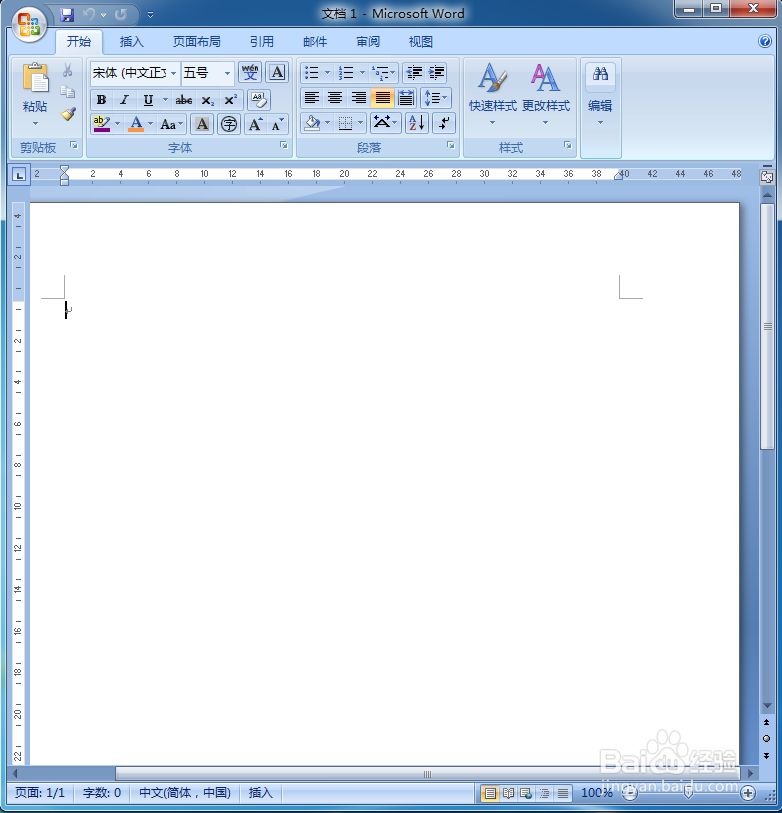
1、打开word,进入word的空白页面;
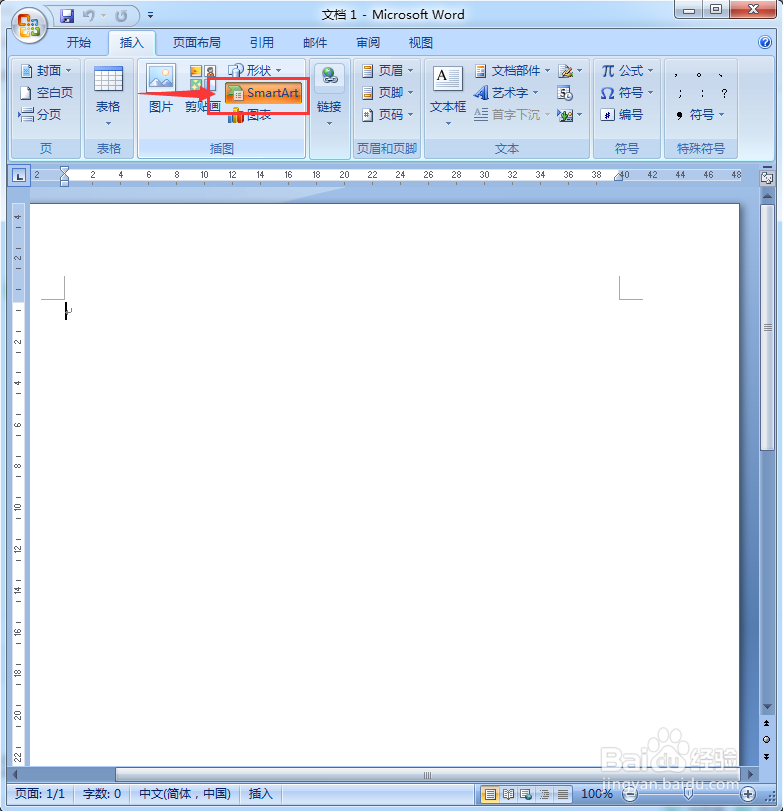
2、点一下插入菜单;

3、在工具栏中找到并点击一下SmartArt;
4、进入到选择SmartArt图形对话框;

5、在左边的类型列表中点击关系;

6、根据需要选择合适的一种样式后按确定;

7、这种样式就被插入到word中;
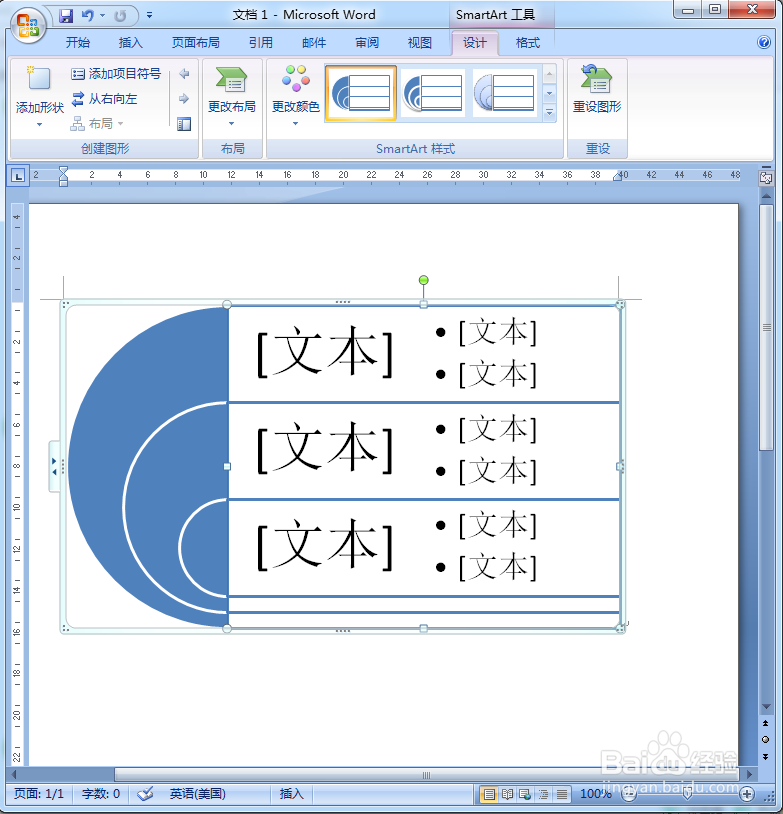
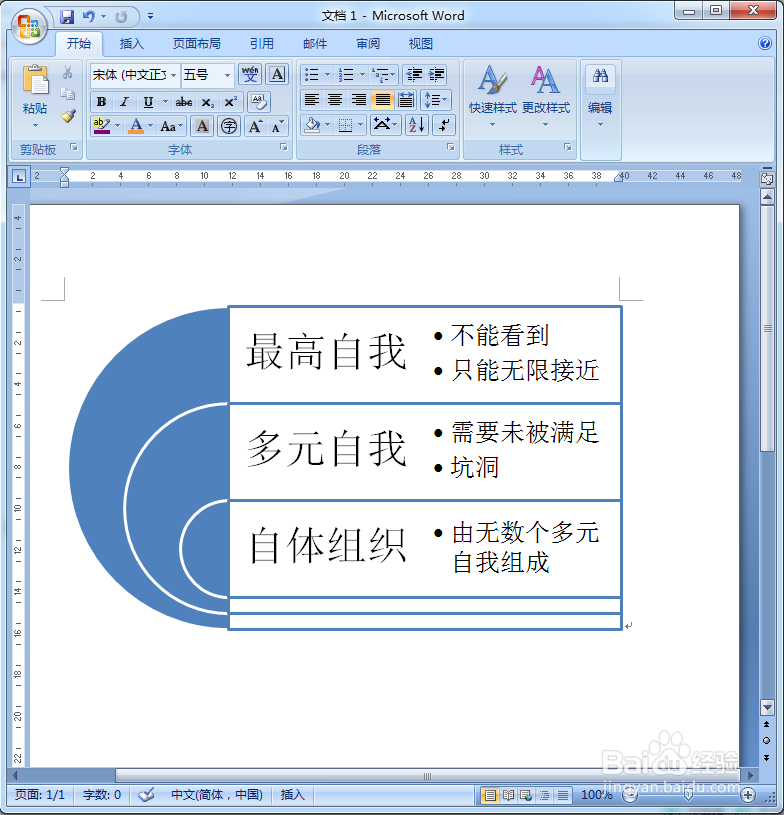
8、根据实际需要输入相关的文本内容;

9、我们就在word中插入了一个自己需要的关系图。
时间:2026-04-25 07:00:14
1、打开word,进入word的空白页面;
2、点一下插入菜单;
3、在工具栏中找到并点击一下SmartArt;
4、进入到选择SmartArt图形对话框;
5、在左边的类型列表中点击关系;
6、根据需要选择合适的一种样式后按确定;
7、这种样式就被插入到word中;
8、根据实际需要输入相关的文本内容;
9、我们就在word中插入了一个自己需要的关系图。
