在word中怎么插入杠铃的3D模型

 时间:2026-04-22 02:53:44

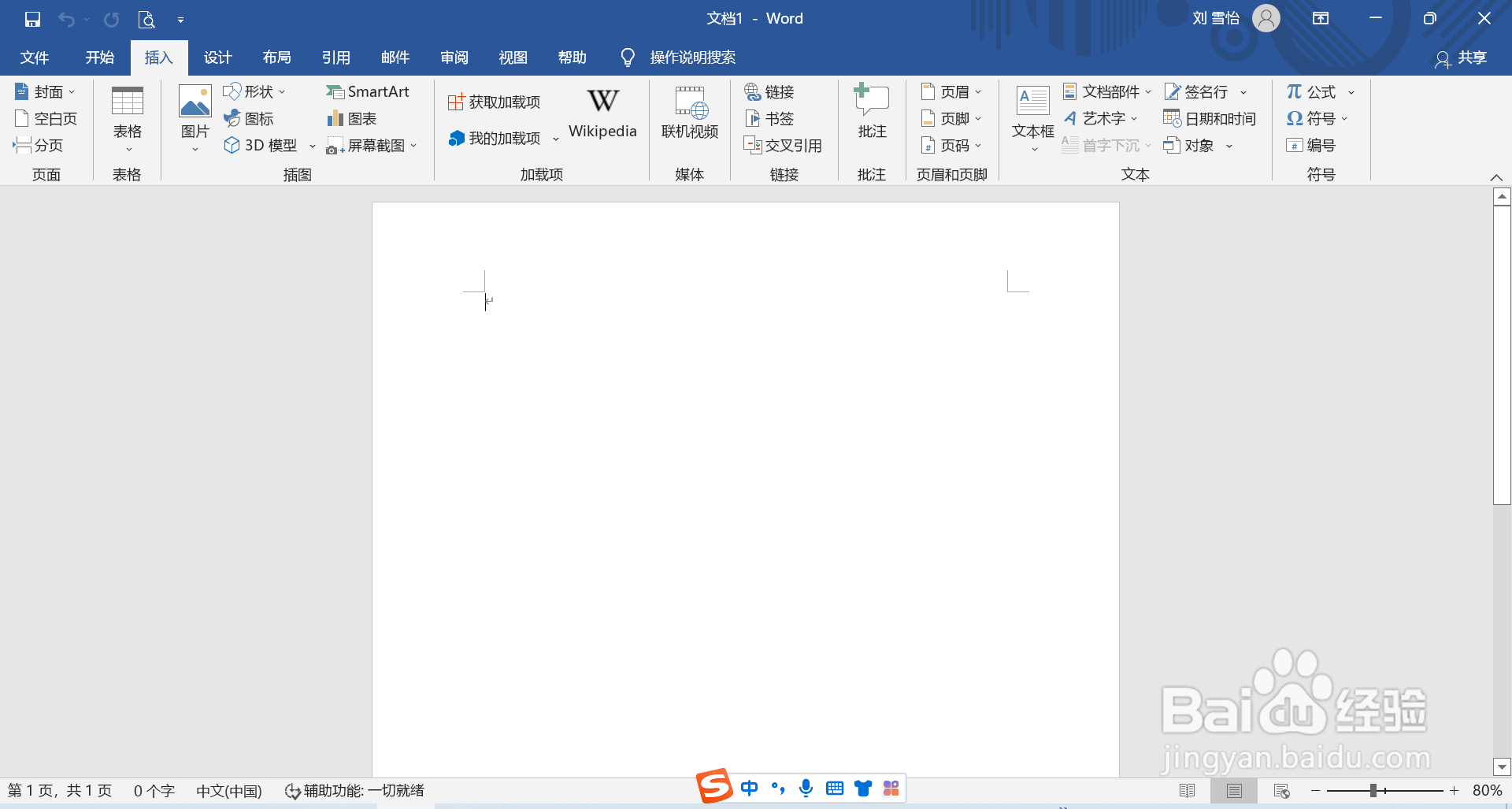
1、首先,打开word空白文档。

在word中怎么插入杠铃的3D模型

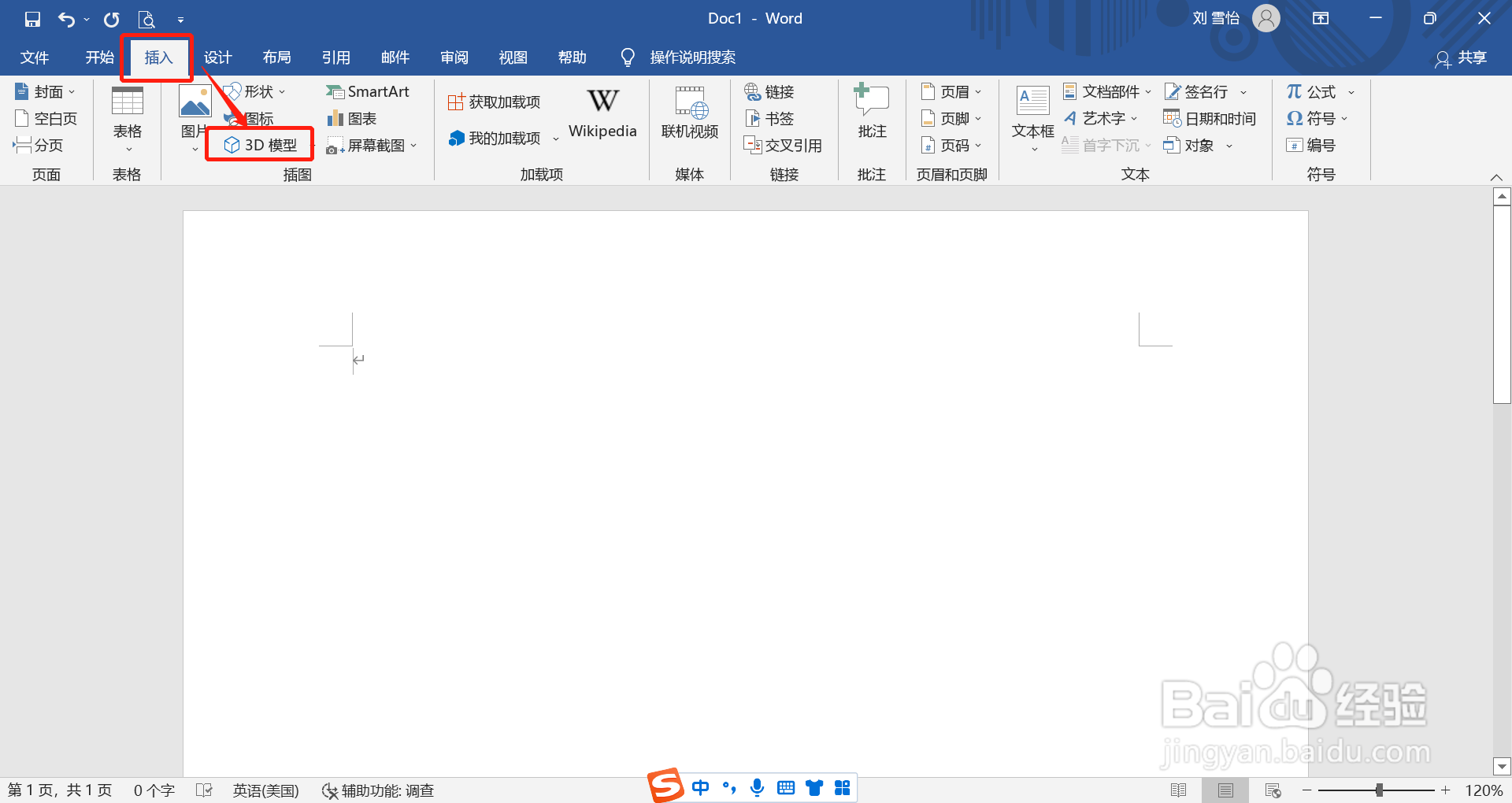
2、然后,点击“插入”菜单栏,选择“3D模型”。

在word中怎么插入杠铃的3D模型

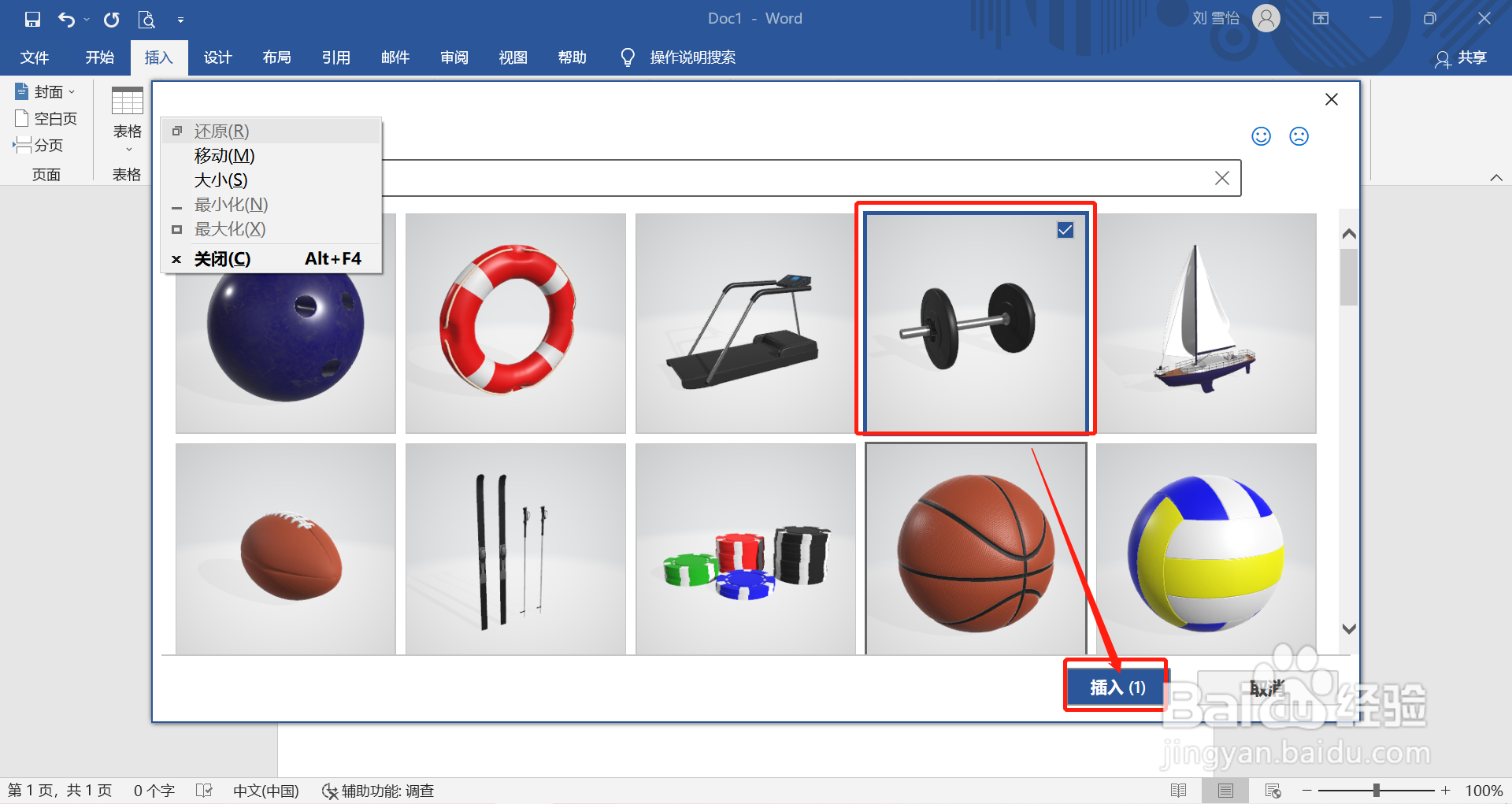
3、接着,选择“Sports”。

在word中怎么插入杠铃的3D模型

4、然后,选择“杠铃”,点击“插入”即可。

在word中怎么插入杠铃的3D模型

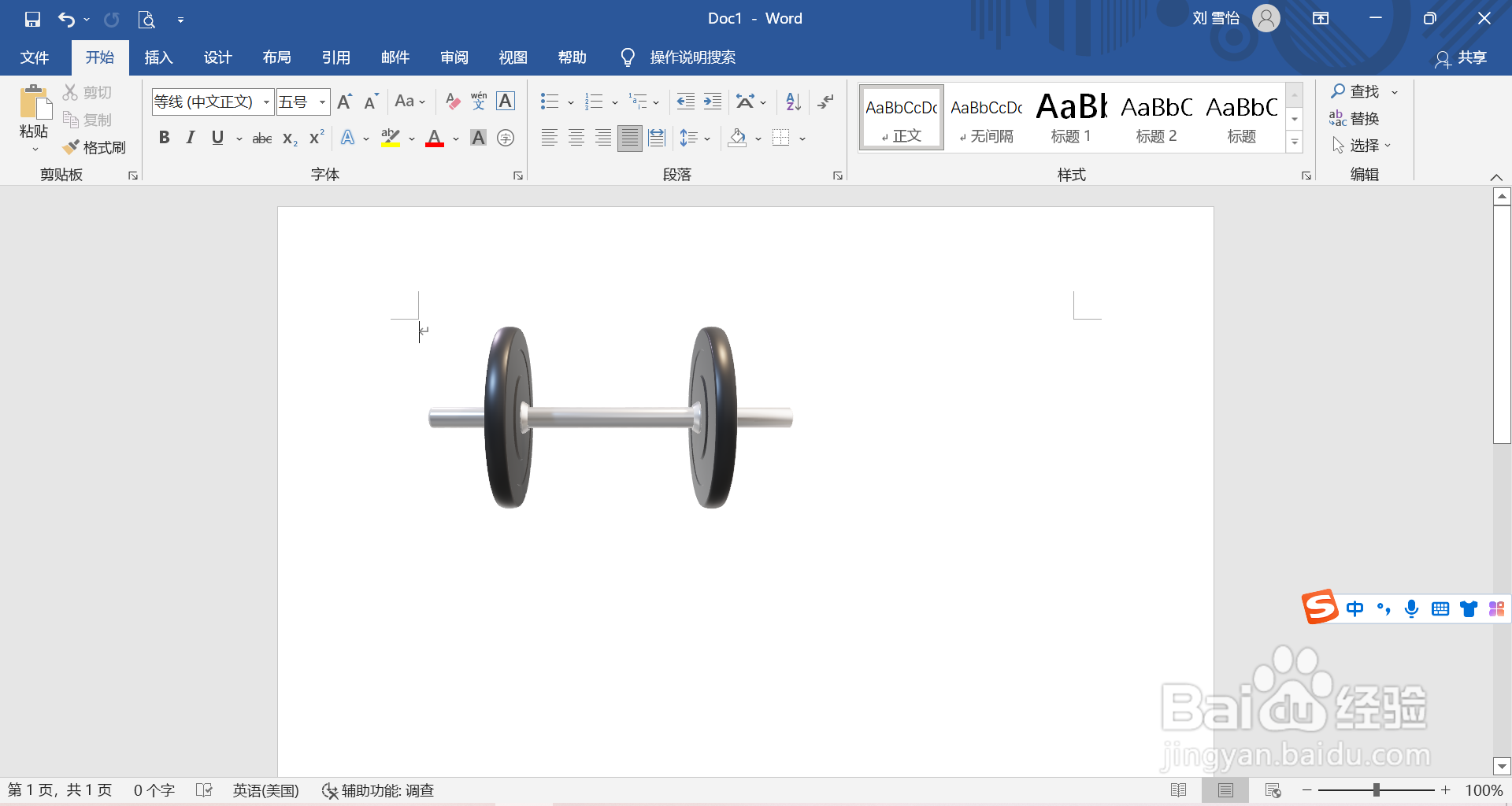
5、最后,在word中插入杠铃的3D模型就完成啦。

在word中怎么插入杠铃的3D模型

  • 在word中怎么插入狐猴的3D模型
  • 在word中怎么插入贵宾犬的3D模型
  • 在word中怎么插入树懒的3D模型
  • 在word中怎么插入青蛙的3D模型
  • 在word中怎么插入蚊子的3D模型
  • 热门搜索
    意难平是什么意思 生活系游戏 怎么去八达岭长城 中性粒细胞偏高是什么意思 如何饮食减肥 我的世界怎么养僵尸 小麦苗怎么种 如何缓解疲劳 生活需要微笑 芸芸的舒心生活