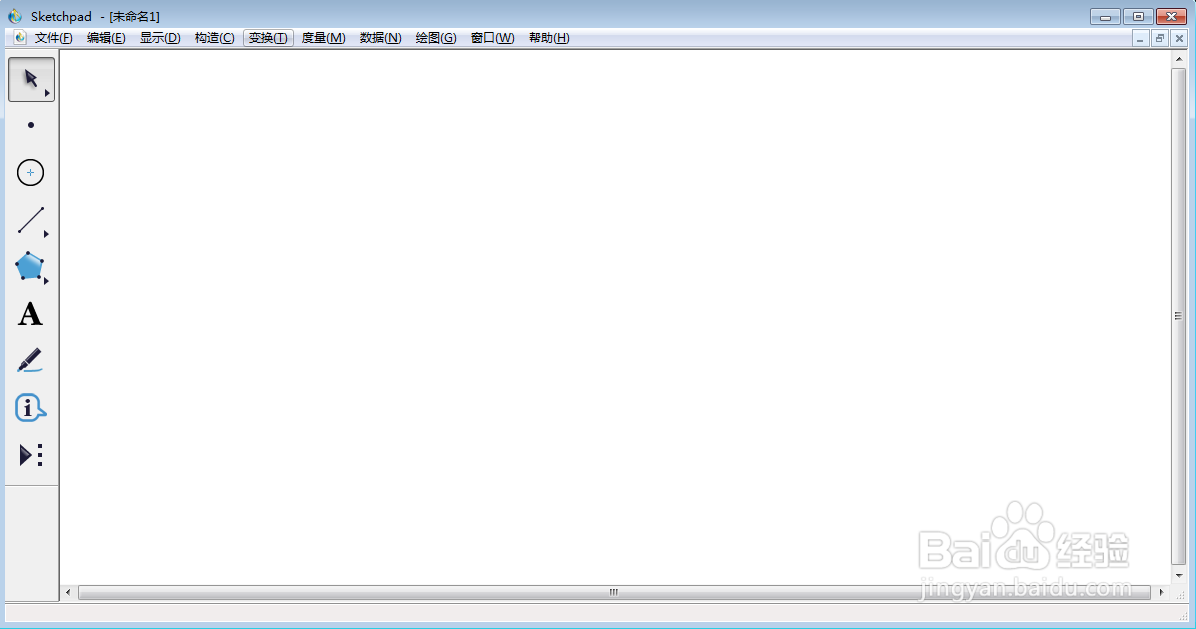
1、打开sketchpad,进入其主界面;
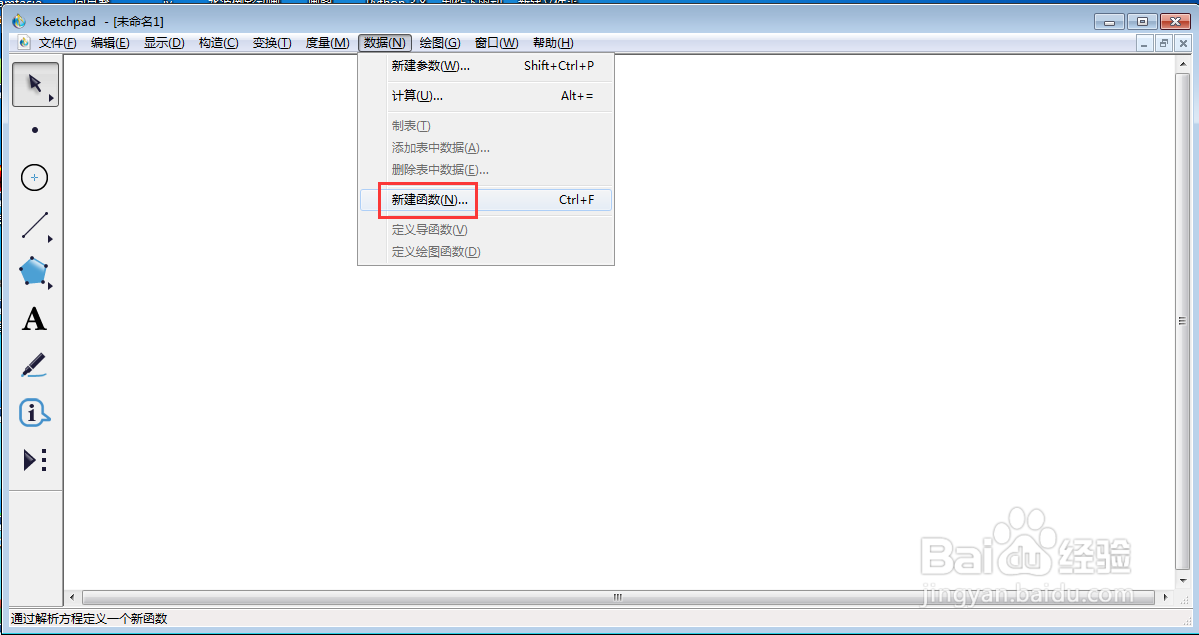
2、点击数据,选择新建函数;
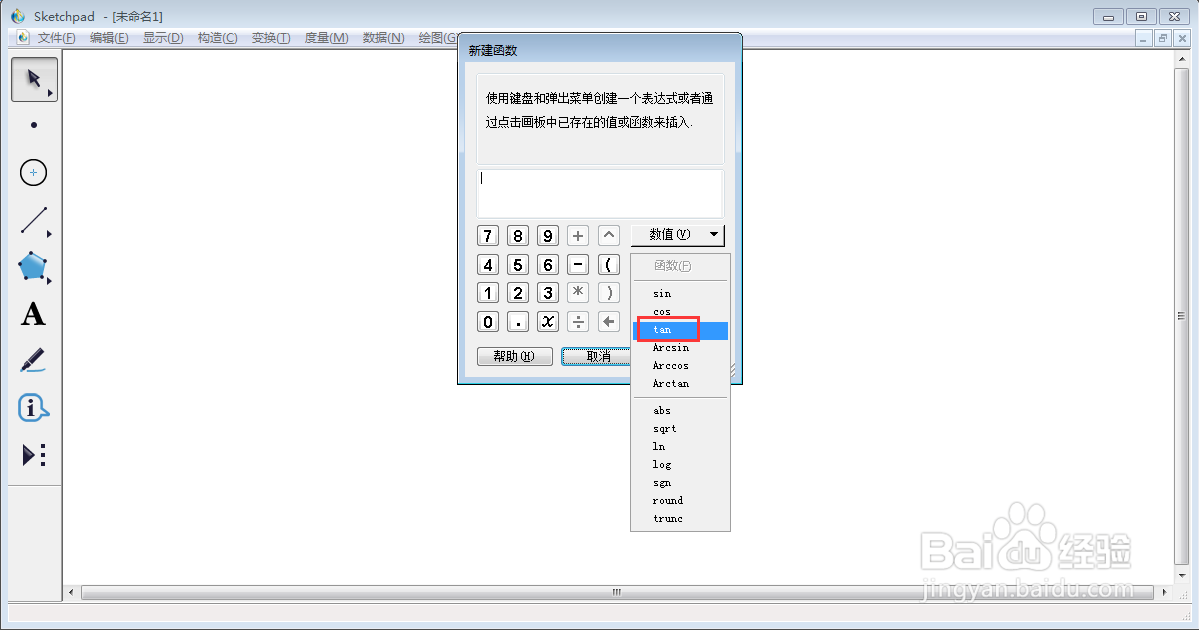
3、选择函数下的正切函数;
4、输入2x+2,按确定;

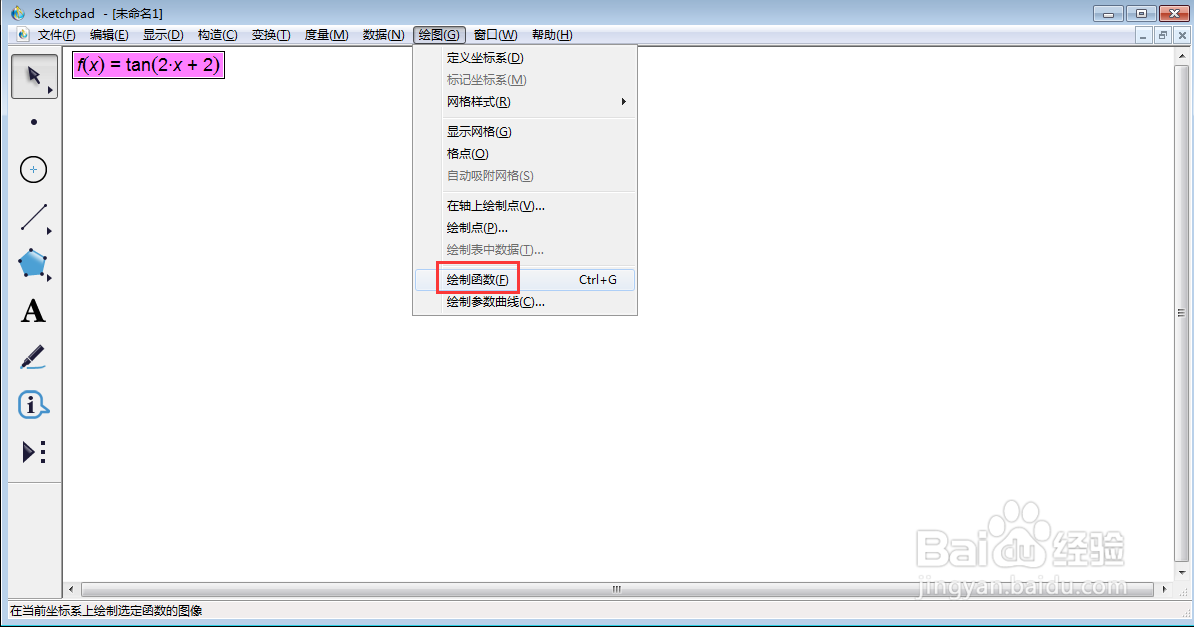
5、新建好了一个函数f(x)=tan(2x+2);
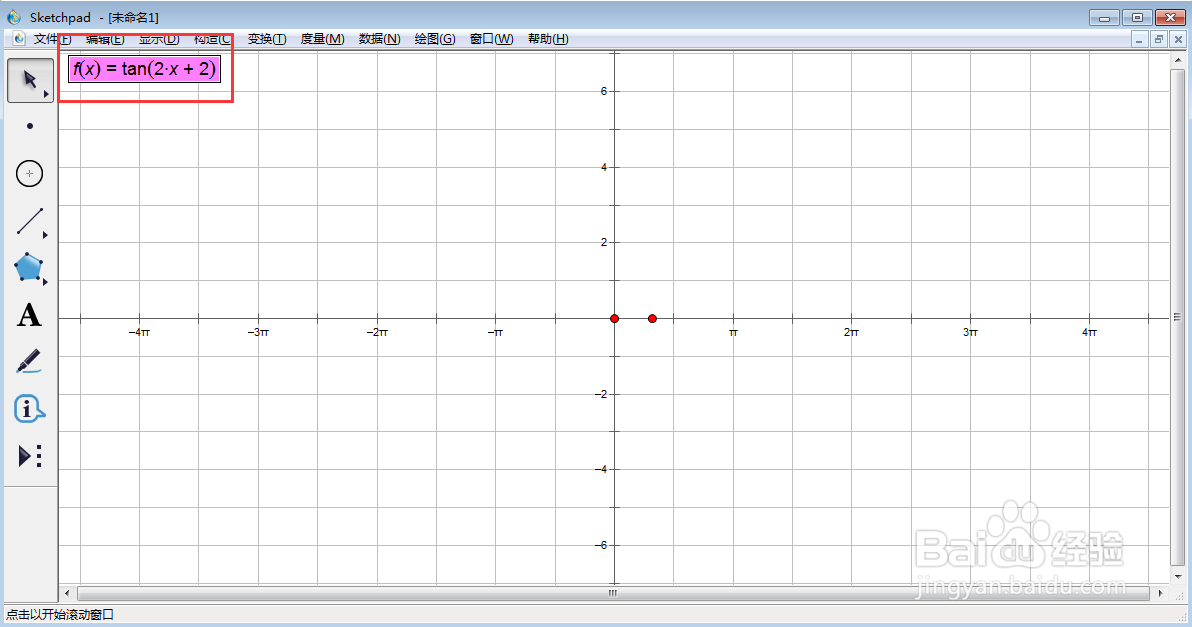
6、点击绘图,选择绘制新函数;
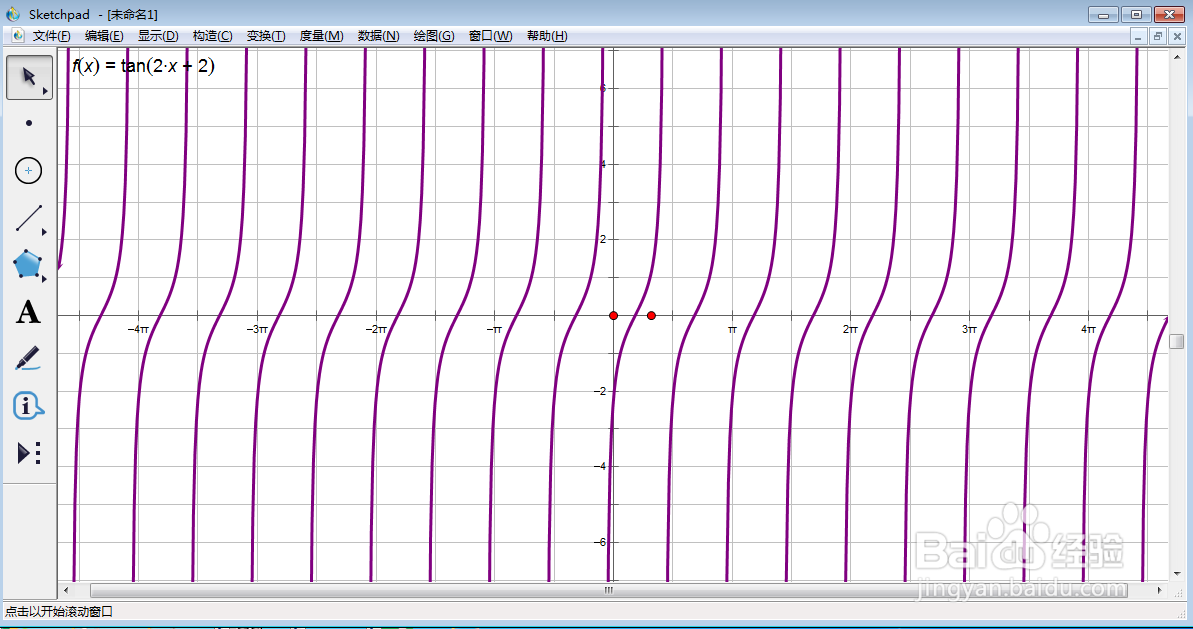
7、我们就创建好了函数f(x)=tan(2x+2)及其图像。
时间:2026-04-28 02:25:46
1、打开sketchpad,进入其主界面;
2、点击数据,选择新建函数;
3、选择函数下的正切函数;
4、输入2x+2,按确定;
5、新建好了一个函数f(x)=tan(2x+2);
6、点击绘图,选择绘制新函数;
7、我们就创建好了函数f(x)=tan(2x+2)及其图像。
